Plan missions, analyze site feasibility, and download survey-grade deliverables—all in one browser tab.
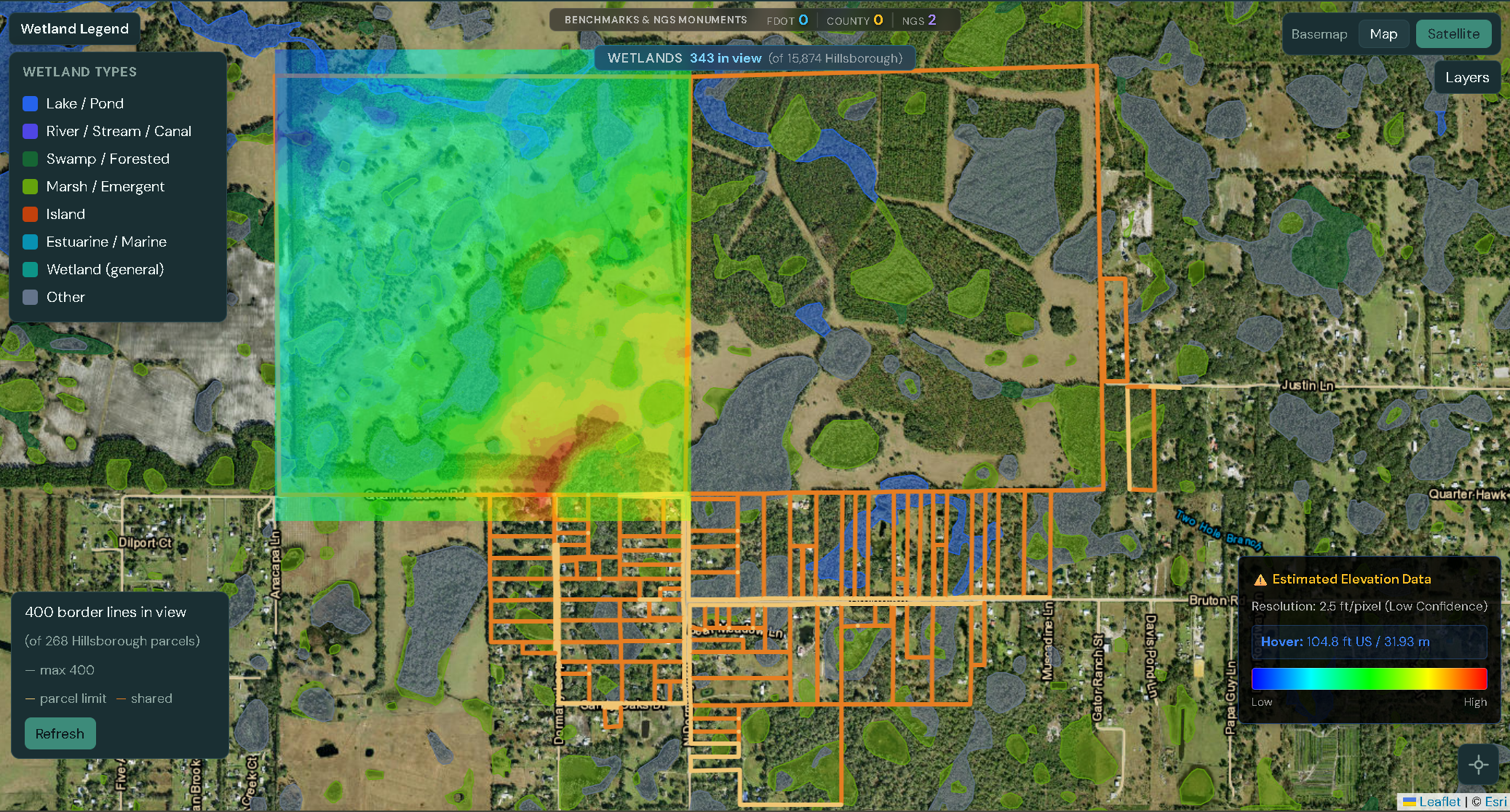
Draw your project boundary. Use our built-in topography layers to check slope and drainage before you even order a flight.
Get an instant feasibility check and quote. Approve the flight plan and dispatch a pilot with one click.
Stop shipping hard drives. View, measure, and annotate your 3D point clouds directly in the browser, or download .LAS files for Civil 3D.
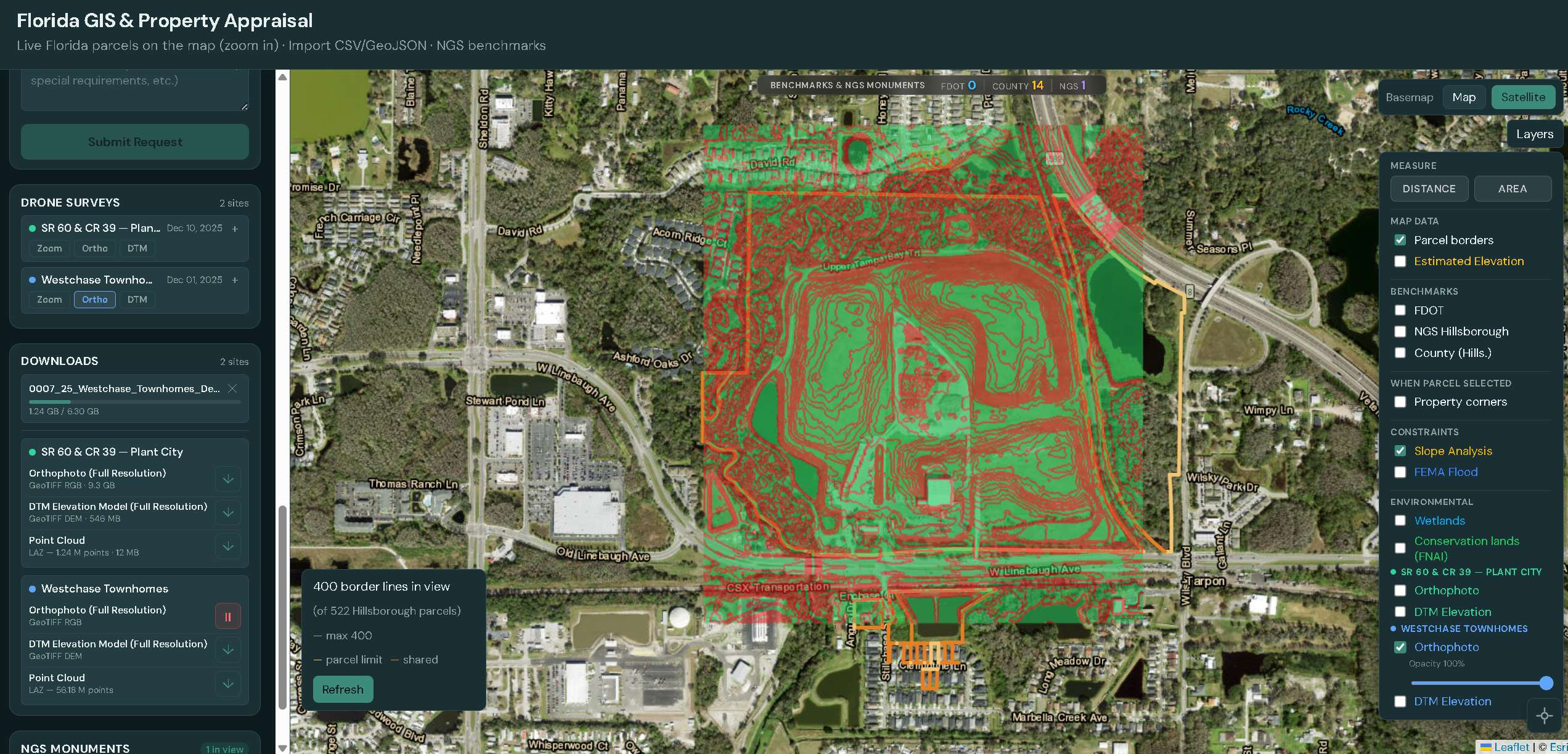
Developers and Civil Engineers use the Baseline Portal to identify fatal flaws in a site before spending money on due diligence. We surface pre-existing data—topography, flood zones, and constraints—so you can see what’s already known before you fly. Toggle on our “Slope Analysis” and “FEMA Flood” layers, then compare that view to your drone data in the Propeller Platform to double-check your previous research and confirm conditions on the ground.
Miniature, ready-to-view versions of your drone data can be observed in our app even for historical projects—so you can quickly browse and compare sites over time. For full measurements and every survey-grade question, the Propeller portal provided to you has the complete data and tools to answer them.
Create a free account and start scouting sites in minutes.
Request Quote